MCP · 5 links
5 MCP servers for Claude Code
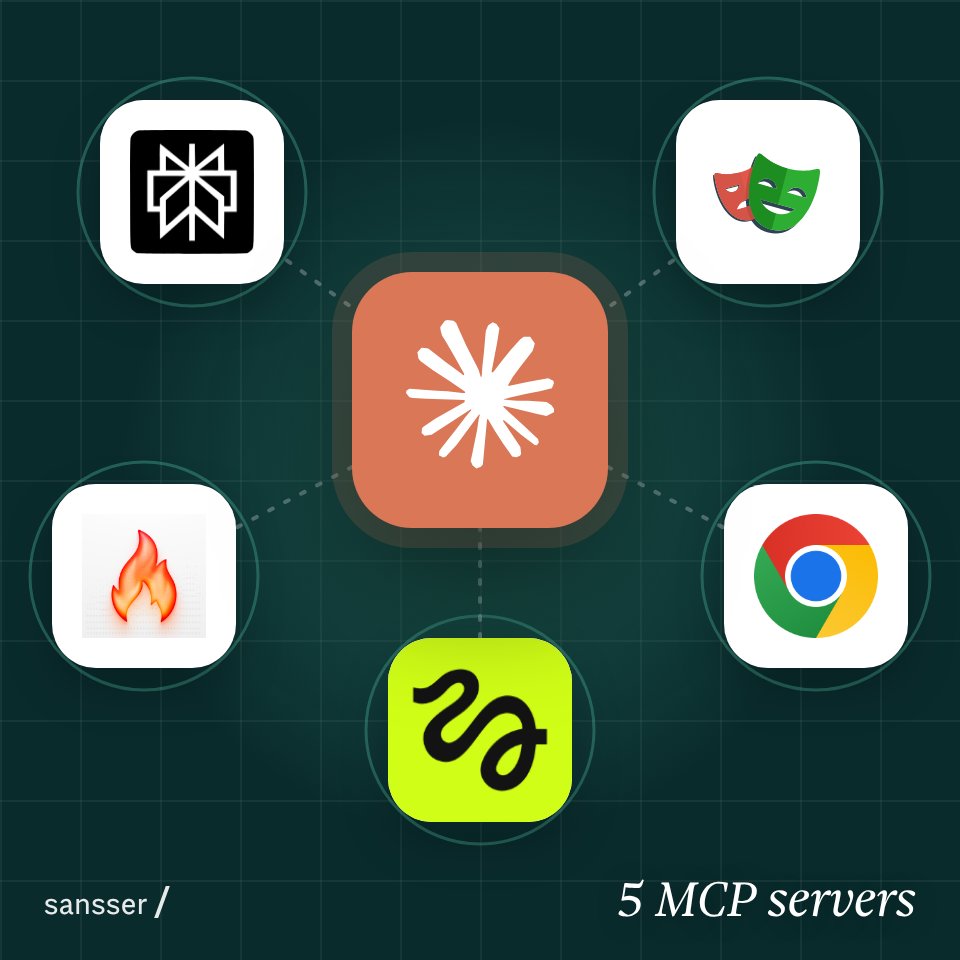
Each one takes away a job you do by hand in Claude Code: live search, a browser Claude can drive, clean page reading, image and video generation, and access to your open Chrome tabs.
Before you start
- Install Claude Code first. On a Mac or Linux, in a terminal:Command
curl -fsSL https://claude.ai/install.sh | bash
- On Windows, in PowerShell:Command
irm https://claude.ai/install.ps1 | iex
- Add one server at a time with its command below, in a terminal, not inside Claude Code. Most need Node.js for npx.
- Start Claude Code, run /mcp and check the server says connected before you add the next one. Servers that sign you in do it from there.
Browser tools can click anything you're logged into. Make a separate Chrome profile for them and sign in there only to what Claude needs.
Claude Code's MCP guide01
02
03
04
05